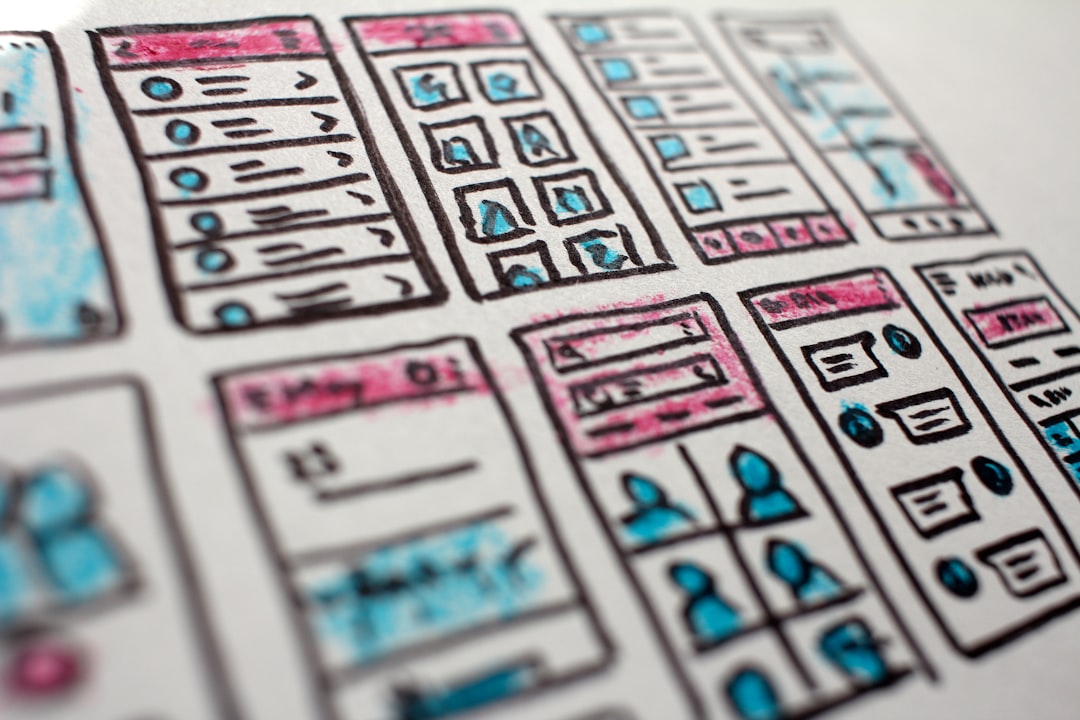
The landscape of digital design is undergoing a profound transformation. As artificial intelligence evolves, UX UI design with AI is no longer a futuristic concept but a practical reality. Designers now leverage intelligent tools to streamline workflows, enhance creativity, and build more user-centered products.
The Role of AI in Modern UX/UI Workflows
Artificial intelligence is revolutionizing how designers approach interface creation. First, AI automates repetitive tasks like resizing assets or generating color palettes. This frees up time for strategic thinking. Moreover, machine learning algorithms analyze user behavior to inform design decisions, leading to more intuitive layouts. As a result, teams can iterate faster and create experiences that truly resonate.
Key Benefits of Integrating AI into Design Processes
Bringing AI into your design toolkit offers several advantages:
- Increased Efficiency: AI handles mundane tasks, so designers focus on high-impact work.
- Data-Driven Decisions: Predictive analytics reveal user preferences, reducing guesswork.
- Personalization at Scale: AI tailors interfaces to individual users in real time.
- Error Reduction: Automated checks catch inconsistencies in typography, spacing, and accessibility.
Therefore, adopting AI not only speeds up development but also improves output quality.
Practical Applications of AI in Interface Design
AI is already embedded in many design tools. Here are four real-world uses:
- Automated Wireframing: Tools like Uizard generate wireframes from hand-drawn sketches or text descriptions.
- Intelligent Prototyping: Platforms such as Framer use AI to suggest animations and transitions based on context.
- User Testing with AI Analytics: Heatmaps and session recordings are analyzed automatically to identify friction points.
- Dynamic Content Generation: AI populates interfaces with personalized copy or images, adapting to user profiles.
Streamlining UX UI Design with AI Tools
Several dedicated platforms now integrate UX UI design with AI seamlessly. For example, Adobe Sensei powers intelligent features in XD, while Figma plugins use AI to automate component creation. Additionally, AI-driven accessibility checkers ensure designs meet WCAG standards. Adopting these tools can significantly reduce manual effort and accelerate delivery.
Challenges and Considerations for AI-Driven Design
Despite its benefits, AI in design requires careful navigation. For instance, over-reliance on automation may stifle human creativity. Bias in training data can lead to non-inclusive interfaces. Moreover, designers must maintain ethical oversight to avoid manipulative patterns. Therefore, balancing AI assistance with human judgment remains crucial.
The Future of UX UI Design with AI
Looking ahead, UX UI design with AI will become even more collaborative. Voice-controlled interfaces and generative design systems will enable instant prototyping from natural language. Meanwhile, AI could predict user emotions through biometrics, allowing real-time interface adjustments. Ultimately, designers who embrace these changes will craft more empathetic and efficient digital experiences.
Frequently Asked Questions About UX UI Design with AI
Q: Will AI replace UX/UI designers? A: No, AI acts as an assistant, not a replacement. Designers still drive strategy, empathy, and creative vision.
Q: What skills should designers learn to work with AI? A: Understanding data analysis, prompt engineering, and basic AI literacy are valuable. Familiarity with AI-powered tools is also essential.
Q: How do I start implementing AI in my design workflow? A: Begin by integrating AI plugins in your existing tools, then experiment with dedicated platforms for automated tasks.
Frequently Asked Questions
What makes a “perfect” AI-generated image?
It depends on your goal (photorealism, style, consistency). Use a clear brief (subject, style, lighting, framing) and iterate with variations.
How do I write a strong prompt for UX UI design with AI?
Use a simple formula: subject + context + style + lighting + composition + detail. Add constraints, then refine in small iterations.
What are negative prompts used for?
They specify what to avoid (blur, watermark, bad anatomy). They improve consistency and reduce common artifacts.
How can I improve the final quality (upscaling)?
Start with a solid composition, then upscale, fix local issues with inpainting, and apply light post-processing when needed.