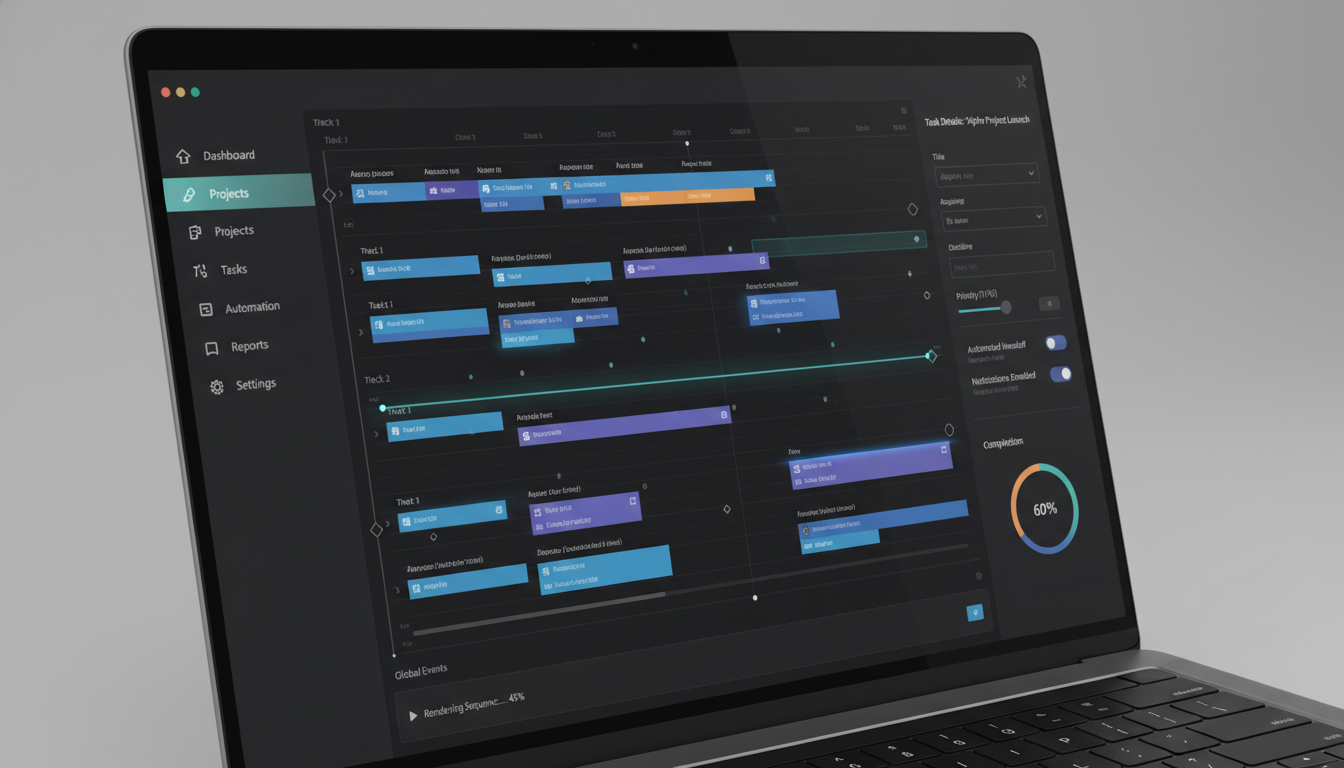
A desk application, often interchangeably called desktop software, is a program installed directly onto an individual computer. Unlike web-based solutions, these applications run locally, leveraging your device's hardware for performance. Consequently, they offer robust functionality and often operate without an internet connection, providing users with a reliable and powerful computing experience. This guide delves into their essence and advantages.
Understanding the Essence of Desktop Software
Desktop software forms the backbone of countless personal and professional workflows. Essentially, these programs are designed to execute specific tasks directly on your operating system, whether it's Windows, macOS, or Linux. Furthermore, their direct interaction with hardware often translates into superior speed and responsiveness.
Key Characteristics of a Robust Desk Application
To clarify, a high-quality desk application typically exhibits several distinguishing features. For instance, stability and integration with the native operating system are paramount. Moreover, these programs often offer extensive customization options, allowing users to tailor their experience.
- High Performance: Directly utilizes system resources, leading to faster operations.
- Offline Functionality: Many applications can operate fully or partially without an internet connection.
- Enhanced Security: Data is often stored locally, potentially offering more control over privacy.
- Rich User Interface: Developers can create highly sophisticated and responsive interfaces.
- Deep System Integration: Can access hardware components and other installed software more readily.
The Benefits of Using a Local Application
The advantages of native software are considerable, particularly for demanding tasks. Firstly, they can harness the full processing power of your computer, leading to quicker task completion. Additionally, local applications typically provide a more stable environment, reducing reliance on external network conditions.
Furthermore, desktop programs often excel in data security and privacy. Since data resides on your own device, you maintain greater control over its access and handling. Consequently, for sensitive information, a local solution is frequently preferred over cloud-based alternatives.
Common Types of Desktop Software
Various categories of desktop solutions cater to diverse user needs. Understanding these types helps in identifying the ideal tool for any specific purpose.
- Productivity Suites: Applications like word processors, spreadsheets, and presentation software.
- Creative Tools: Programs for graphic design, video editing, and music production.
- Communication Clients: Email applications, messaging services, and video conferencing software.
- Utility Tools: System cleaners, antivirus programs, and file management utilities.
Each type serves a unique function, empowering users to achieve their goals effectively. Therefore, selecting the correct software is crucial for efficiency.
Choosing the Right Desktop Solution
Selecting the perfect desktop program requires careful consideration of several factors. First and foremost, assess your specific requirements and the tasks you need to accomplish. Moreover, compatibility with your operating system and other existing software is essential for seamless operation.
Additionally, consider the software's user interface and ease of use. A well-designed interface significantly reduces the learning curve and enhances productivity. Lastly, evaluate the developer's reputation, customer support, and update frequency to ensure long-term reliability for your chosen desk application.
Future Trends in Desktop Computing
The landscape of desktop computing continues to evolve, even with the rise of cloud services. Innovation in areas like AI integration, cross-platform compatibility, and enhanced security features is consistently advancing. We expect to see more intelligent and adaptive desk applications in the coming years.
Furthermore, the lines between traditional desktop programs and web applications are blurring, with technologies like Electron enabling web-based interfaces to run as native applications. This trend suggests a future where users benefit from the best of both worlds: the accessibility of web services and the power of a local application.
Frequently Asked Questions About Desktop Applications
What is a desk application?
A desk application is a software program installed and executed directly on a computer's operating system, such as Windows, macOS, or Linux. It runs locally, utilizing the computer's hardware resources rather than relying solely on a web browser or remote server.
How do desktop applications differ from web applications?
Desktop applications run natively on your machine, often providing superior performance and offline capabilities. In contrast, web applications operate within a web browser, requiring an internet connection and relying on remote servers for processing and data storage. Therefore, their fundamental operational models are distinct.
Can desktop software be used on multiple devices?
Generally, a single license for desktop software is tied to a specific device or a limited number of devices. However, many modern desktop programs offer cloud syncing features or multi-device licenses, allowing you to access your work across various installations. You should always check the licensing terms.
Read also
- AI Agency Business: Your Comprehensive Guide to Launching a Successful Venture
- AI AGENT ERP: Revolutionizing Business Operations with Intelligent Automation
- AI Agency: Your Strategic Partner for Artificial Intelligence Solutions